
| Tool | Dependency modelling | Cohort-level rollup view | Licence model | Best fit |
|---|---|---|---|---|
| Microsoft Project | Full critical-path dependency modelling | Portfolio view across multiple project plans | Per-seat, often bundled in a campus Microsoft agreement | Faculties needing genuine critical-path analysis for multi-stage device-development timelines |
| Smartsheet | Dependencies and Gantt view on paid tiers | Portfolio rollup across sheets | Per-seat commercial licence | Faculties wanting a spreadsheet-familiar interface with genuine dependency support |
| monday.com | Timeline view with dependencies on mid and higher tiers | Cross-board dashboards | Per-seat commercial licence, tiered | Faculties prioritising a highly visual, easily customised board layout |
| Asana | Timeline/Gantt and dependencies require Starter tier or above — not on the free plan | Portfolios require Starter tier or above | Free Personal tier (2 users, no dependencies); paid tiers per-seat | A small paid-tier pilot cohort; the free tier alone is not sufficient for dependency tracking |
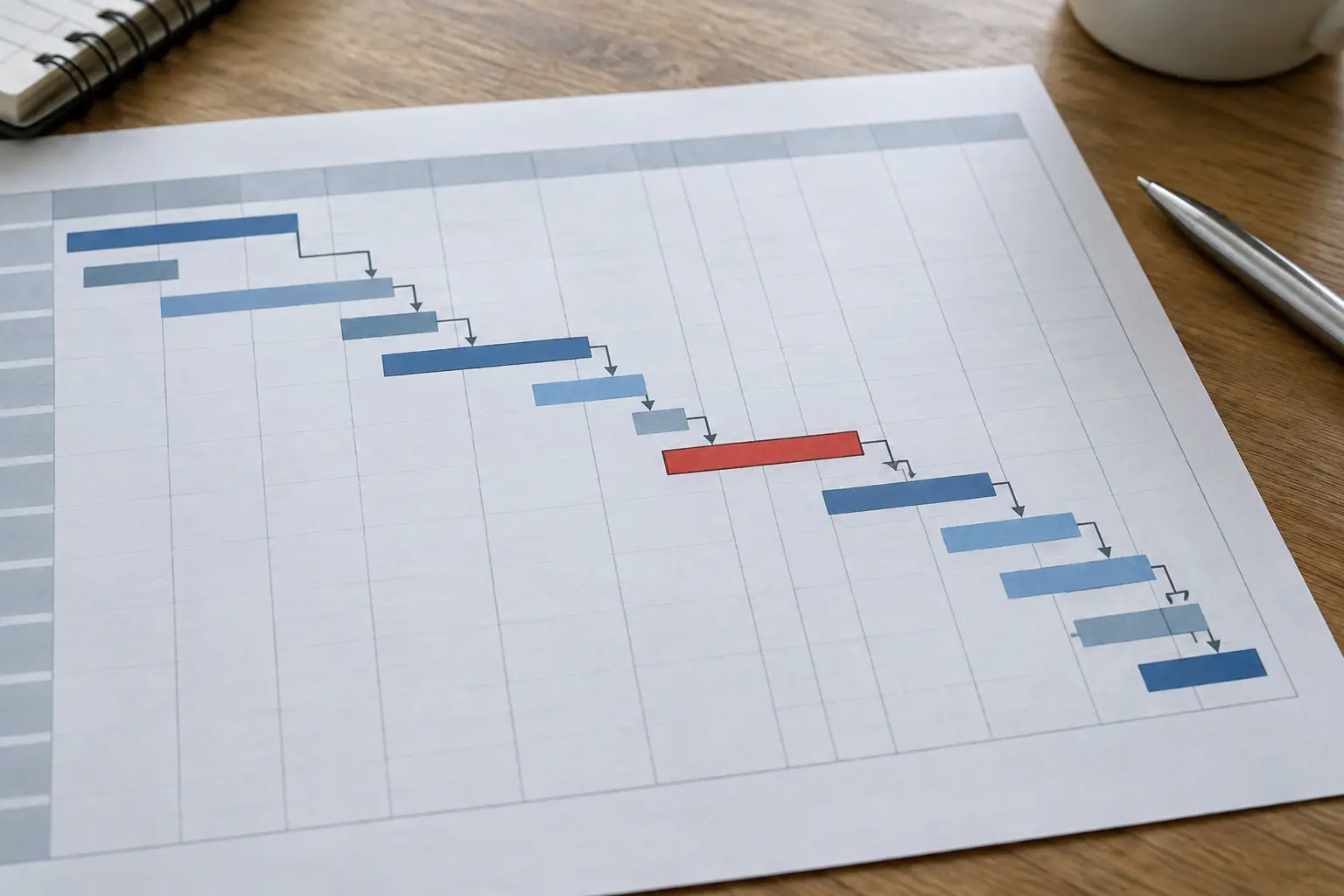
A biomedical engineering thesis cohort’s scheduling problem is not a generic task list — it is a dependency-modelling problem. A device-development thesis typically moves through design, ethics or regulatory sign-off, prototype fabrication (often on shared lab equipment with limited booking slots), bench testing and, in projects with a clinical or industry partner, a phase gated by that partner’s own schedule. The four tools compared here are scored specifically on how well they surface those dependencies to a programme office overseeing a whole cohort at once, not on a generic feature checklist.
Why dependency modelling matters more here than in a generic thesis-tracking tool
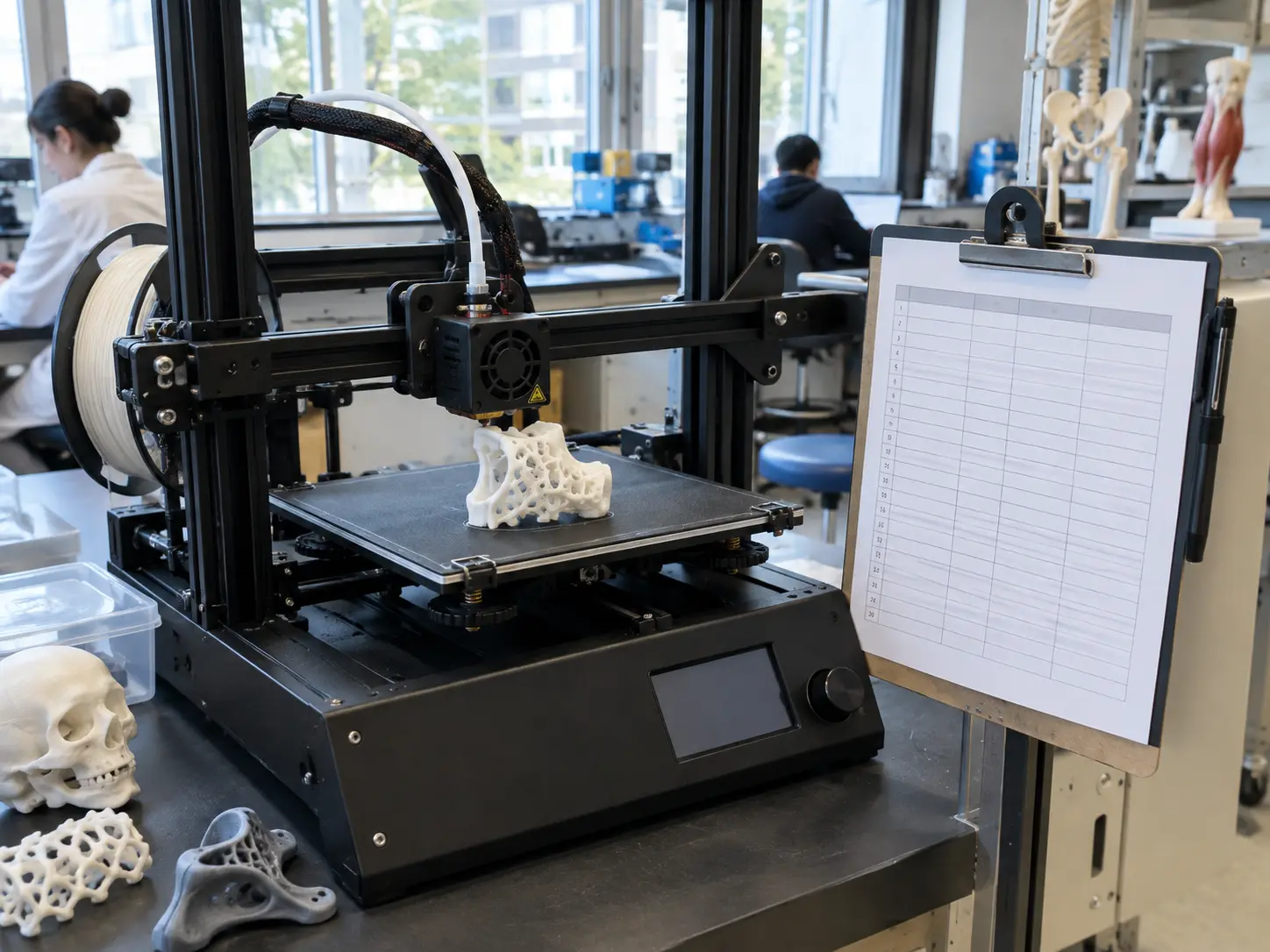
A biomedical engineering thesis routinely depends on resources the student does not fully control: an ethics or institutional biosafety committee’s own review timeline, a shared piece of fabrication or imaging equipment booked by multiple students across the cohort, and in externally sponsored projects, a clinical or industry partner’s own sign-off schedule. A basic task list with due dates, with no genuine dependency modelling, cannot show a programme office that student A’s prototype-testing milestone is blocked until student B releases the shared 3D printer, or that three students’ ethics submissions are all queued behind the same committee’s capacity. This is the specific capability gap the comparison below is built around, and it is the same underlying gap this site’s companion piece on milestone-tracking tools for a Mechanical and Electrical Engineering thesis cohort covers for a related but distinct set of dependencies — equipment and test-rig booking there, ethics and clinical-partner sign-off here, alongside the equipment-sharing problem common to both fields.
Microsoft Project: the strongest dependency modelling, with a licensing caveat that needs checking now
Microsoft Project offers the most complete critical-path dependency modelling of the four, which suits a device-development thesis’s genuinely sequential, multi-stage structure well: a delay in ethics sign-off automatically pushes every downstream milestone that depends on it, rather than requiring a staff member to manually update each affected task. The caveat that matters for any faculty procuring or renewing this now: Microsoft has stated it will retire Project Online — the web-based, PWA portfolio environment many campus deployments actually use for cohort-level rollups — on 30 September 2026, migrating its capability toward the newer Planner product. A faculty already running or considering Microsoft Project for this purpose should confirm with IT, before committing budget or training time, exactly which product a campus Microsoft agreement covers: classic desktop Project, the retiring Project Online/PWA environment, or the new Planner, since these are not simply different names for the same thing and the retirement timeline lands within the next academic year for many institutions reading this. A programme office that assumes its existing Project Online deployment is stable through the next several cohort cycles, without checking this specific timeline, risks a mid-rollout migration it did not plan for.
Smartsheet: spreadsheet-familiar, genuine dependency support on paid tiers
Smartsheet’s spreadsheet-like interface is often the fastest onboarding of the four for staff and students already comfortable with Excel-style tools, while still supporting genuine Gantt-view dependency tracking and portfolio-level rollups on its paid tiers. It does not offer Microsoft Project’s depth of critical-path analysis, but for a programme office whose main need is visibility across a cohort’s milestones rather than formal critical-path scheduling, that depth is often more than the job requires. Its row-and-column structure also makes it comparatively easy for a non-technical staff member to add a new custom field — an equipment-booking status column, for instance — without IT support, which lowers the ongoing maintenance burden relative to a more rigidly structured tool.
monday.com: the most visual, most customisable board layout
monday.com’s board-based interface is the most visually configurable of the four, with dependency-aware Timeline views available on its mid and higher tiers. Its strength is ease of customisation for a programme office that wants to track biomedical-engineering-specific fields — ethics approval status, equipment booking, partner sign-off — as first-class columns without needing IT support to configure them, at some cost in the formal scheduling rigour Microsoft Project offers. Its colour-coded status columns also make a cohort-wide at-a-glance view easier to scan for a programme director checking overall progress quickly, rather than needing to open individual project plans.
Asana: the free-tier trap
Asana is frequently the tool a department reaches for first because of its free tier — and this is exactly where a faculty needs to check the current terms before assuming it covers cohort dependency tracking. Asana’s free Personal plan, per Asana’s own published pricing, is limited to two users and does not include Timeline/Gantt view, task dependencies, or Portfolios — all three require a paid Starter tier or above. A faculty planning to pilot dependency tracking for even a small cohort on Asana’s free tier will find it cannot actually model the equipment- and ethics-sign-off dependencies this comparison is built around; the paid Starter tier removes that limitation and is worth budgeting for from the outset rather than discovering the gap mid-pilot.
What none of the four tools do out of the box
None of these four products is purpose-built for academic research scheduling specifically — each requires a programme office to manually configure custom fields or linked tasks to represent ethics-committee sign-off stages, shared-equipment booking, and external-partner dependencies, none of which the vendor’s default templates model natively. This is a genuine setup cost, typically a few hours of programme-office time per tool evaluated, and it is worth budgeting into any pilot timeline rather than assuming a tool works for this specific use case straight out of the box. A programme office that skips this setup step and simply hands students a stock template tends to discover the gap only once a real scheduling conflict — two students booked onto the same imaging equipment slot, say — goes unflagged until it has already caused a delay, at which point the fix costs considerably more staff time than the original configuration would have.
How to pilot before a full-cohort rollout
A programme office new to this decision benefits from running a small, deliberately imperfect pilot before committing to a full-cohort licence. A reasonable approach: select one supervisor group of six to ten students already known to have overlapping equipment and ethics-sign-off dependencies, configure the chosen tool’s custom fields for those specific dependencies, and run it for one full milestone cycle before deciding whether to expand. This surfaces the tool’s genuine configuration cost — the few hours of setup work flagged above — against a real, if small, dataset, rather than discovering mid-rollout across the whole cohort that a dependency type was never configured correctly. A pilot on a paid tier from the outset, rather than the Asana free tier specifically, avoids re-doing the evaluation once the free-tier limitation becomes apparent partway through.
Recommendation
For a faculty with an existing campus Microsoft agreement and a cohort whose projects are genuinely sequential and multi-stage, Microsoft Project remains the strongest dependency-modelling option — provided IT confirms which specific product (desktop Project, not the retiring Project Online environment) the licence actually covers. For a faculty without that existing agreement, Smartsheet offers the closest match on dependency support at a lower onboarding cost, with monday.com a reasonable alternative where visual customisation matters more than formal critical-path rigor. Asana is workable for a genuinely small pilot cohort on a paid Starter-tier trial, but the free tier alone should not be assumed sufficient once dependency tracking, rather than a simple task list, is the actual requirement.
Where Tesify fits
None of the scheduling-tool decisions above are ones a writing platform makes or replaces — they stay with the programme office and IT procurement. Tesify for Institutions is a complementary, not competing, layer: it gives supervisors visibility into a thesis’s drafting progress specifically, which a project-management tool does not track, useful alongside whichever scheduling tool the programme office selects for milestone and dependency tracking. A free departmental pilot lets one biomedical engineering cohort test that visibility before any procurement decision on either tool.
Frequently asked questions
What makes biomedical engineering thesis scheduling different from a generic engineering project?
Device-development and bench-to-prototype milestones depend on shared lab equipment, ethics or regulatory sign-off with its own lead time, and often a clinical or industry partner’s own schedule — dependencies a generic task list does not surface until they cause a delay.
Does Asana’s free tier support the dependency tracking a thesis cohort needs?
No. Asana’s free Personal plan is limited to two users and does not include Timeline/Gantt view, task dependencies or Portfolios — all of which require a paid Starter tier or above, per Asana’s own published pricing.
Is Microsoft Project still a safe long-term choice for a faculty planning a rollout?
Confirm which Project product a campus agreement actually covers before committing. Microsoft has stated it will retire Project Online, the web-based Project for the Web/PWA portfolio environment, on 30 September 2026, migrating features to the newer Planner — a faculty should check with IT whether its licence covers desktop Project, the new Planner, or the product being retired.
Which tool is best for a small pilot cohort before a full rollout?
A paid Asana Starter-tier trial or Smartsheet’s trial both support dependency tracking for a small pilot without a large upfront commitment; the free Asana tier alone is not sufficient once dependency modelling is needed.
Do any of these tools understand lab-equipment or clinical-partner scheduling specifically?
No. None of the four is purpose-built for research scheduling — each requires the faculty to manually configure equipment and external-partner dependencies as custom fields or linked tasks, which is a setup cost worth budgeting for regardless of which tool is chosen.
How large should a pilot cohort be before deciding on a full rollout?
A single supervisor group of roughly six to ten students with known overlapping equipment and ethics-sign-off dependencies, run for one full milestone cycle, is enough to surface the tool’s real configuration cost without committing to a full-cohort licence upfront.
How does this compare to the site’s Mechanical and Electrical Engineering milestone-tracking piece?
The same four tools, evaluated against a different, field-specific set of dependencies — test-rig and equipment booking there, ethics/regulatory sign-off and clinical-partner scheduling here — alongside the shared-equipment-booking problem common to both fields.